Home/Blogs/How AI Changed My Daily Workflow as a Developer
How AI Changed My Daily Workflow as a Developer
- AI
- Developer Workflow
- Productivity
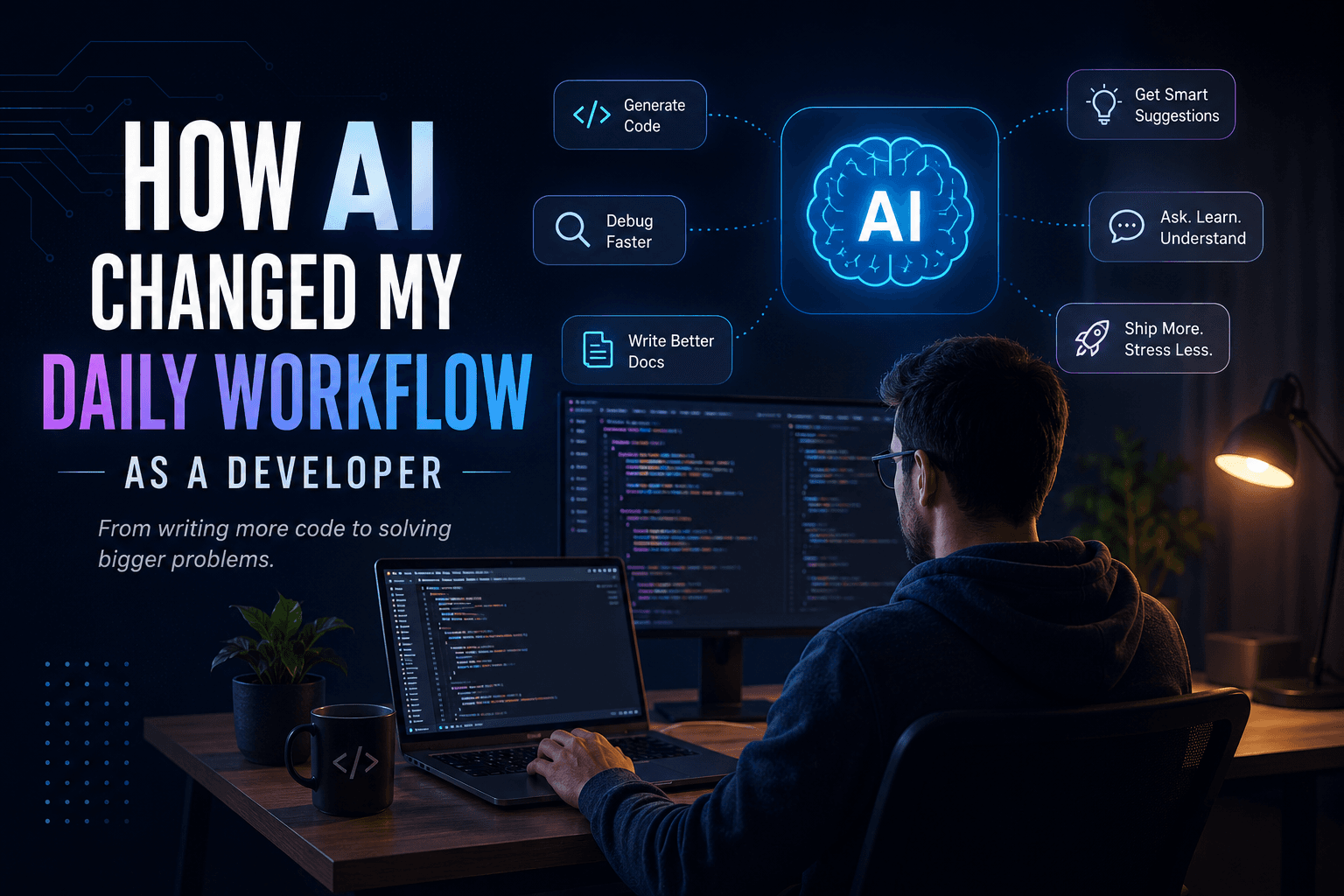
Artificial Intelligence has become one of the biggest shifts in software development since the introduction of modern frameworks and cloud computing. Like many developers, I was initially skeptical. I wondered if AI would actually make me a better developer or simply encourage laziness.
After using AI extensively over the past couple of years, I can confidently say one thing:
AI hasn't replaced my job—it has completely transformed the way I work.
As someone who started programming in 2017 with PHP and now works as a Tech Lead, I've experienced software development both before and after the AI boom. The difference is remarkable.
Here's how AI has changed my daily workflow.
The Old Way
A few years ago, a typical development task looked something like this:
- Read the requirements
- Break down the implementation
- Search Stack Overflow countless times
- Read multiple documentation pages
- Watch YouTube videos if I got stuck
- Experiment until something worked
- Refactor the solution
- Repeat the same cycle for every new feature
This process worked, but it wasn't particularly efficient.
Sometimes I would spend hours debugging a small issue only to realize I had missed a semicolon or misunderstood a library's API.
The New Workflow
Today, AI is involved in almost every stage of development—not because I rely on it blindly, but because it helps eliminate repetitive work.
Instead of spending hours searching for information, I spend more time designing solutions.
Here's what my workflow looks like now.
Understanding Requirements Faster
Whenever I receive a new feature request, I first break it down into smaller pieces.
AI helps me:
- Understand unfamiliar business logic
- Identify edge cases
- Suggest implementation approaches
- Think about scalability before writing code
Instead of asking:
"How do I write this function?"
I'm asking:
"What's the best architecture for solving this problem?"
That's a much more valuable conversation.
Boilerplate Code in Seconds
Let's be honest.
Writing CRUD operations for the hundredth time isn't exciting.
Authentication.
Validation.
Database models.
API routes.
Basic React components.
These are things AI can generate extremely well.
That doesn't mean I copy and paste everything.
I treat AI-generated code as a starting point, not the final solution.
Reading Documentation Faster
Documentation is still important.
In fact, I think developers should read documentation more than ever.
The difference is that AI helps summarize complex concepts before I dive into the official docs.
Instead of spending thirty minutes understanding a new library, I can get a high-level overview in minutes and then verify the details myself.
It's like having someone explain the documentation before you read it.
Debugging Became Faster
Every developer has experienced those moments where nothing makes sense.
The application refuses to work.
The error message is confusing.
Everything looks correct.
In the past, debugging could take hours.
Now I often describe the problem to AI, share the relevant code, explain what I've already tried, and ask for possible causes.
Most of the time, it points me toward something I overlooked.
Not always.
But often enough to save a significant amount of time.
Learning New Technologies
One of my favorite things about AI is how quickly it helps me learn.
Whether I'm exploring a new framework, experimenting with a library, or understanding a design pattern, AI acts like an experienced mentor who's available whenever I need help.
Instead of reading ten different blog posts, I can ask targeted questions and then validate the answers through documentation.
Learning has become much more interactive.
Better Code Reviews
As a Tech Lead, reviewing code is part of my daily routine.
AI helps by:
- Identifying potential bugs
- Suggesting cleaner implementations
- Highlighting performance issues
- Explaining complicated code snippets
Of course, human judgment is still essential.
AI doesn't understand business requirements the way your team does.
But it serves as an excellent second pair of eyes.
Writing Better Documentation
One task many developers avoid is documentation.
Ironically, it's one of the most important parts of software development.
AI makes writing documentation significantly easier.
Whether it's:
- API documentation
- Technical specifications
- README files
- Deployment guides
- Release notes
AI helps create a strong first draft, which I can then refine based on the project's needs.
The Biggest Change: More Thinking, Less Typing
The biggest difference isn't that AI writes code.
It's that AI reduces the amount of repetitive typing.
As developers, our value has never been measured by how many lines of code we write.
Our real value comes from solving problems.
Today I spend more time thinking about:
- Architecture
- Scalability
- Performance
- Security
- User experience
Instead of spending hours writing boilerplate code.
That's a huge productivity boost.
What AI Still Can't Replace
Despite all its capabilities, there are several things AI still struggles with.
It doesn't fully understand your business.
It doesn't know your product roadmap.
It doesn't participate in architecture discussions.
It can't negotiate requirements with stakeholders.
It doesn't mentor junior developers.
It doesn't make technical decisions based on years of context.
These responsibilities still belong to experienced engineers.
AI is an assistant—not an architect.
The Biggest Mistake Developers Make
One mistake I've noticed is developers blindly copying AI-generated code.
That's dangerous.
If you don't understand the code you're shipping, you're creating technical debt without even realizing it.
AI should accelerate your thinking, not replace it.
Always verify.
Always test.
Always understand what you're committing.
My Advice to Every Developer
If you're avoiding AI because you're afraid it will replace developers, you're looking at it the wrong way.
The developers who will thrive aren't the ones competing against AI.
They're the ones learning how to work with it effectively.
Treat AI like:
- A pair programmer
- A research assistant
- A documentation helper
- A debugging companion
But never treat it as your replacement.
Final Thoughts
Looking back at how I worked in 2017 and comparing it to today, the difference is incredible.
The fundamentals of software engineering haven't changed.
Good architecture still matters.
Clean code still matters.
Problem-solving still matters.
What has changed is the speed at which we can learn, experiment, and build.
AI has given developers something incredibly valuable:
More time to think about solving problems instead of searching for answers.
And in my opinion, that's where the future of software development lies.
The best developers won't be the ones who use AI the most.
They'll be the ones who know when to use it, how to use it, and when not to.